# How to apply to a round in Explorer
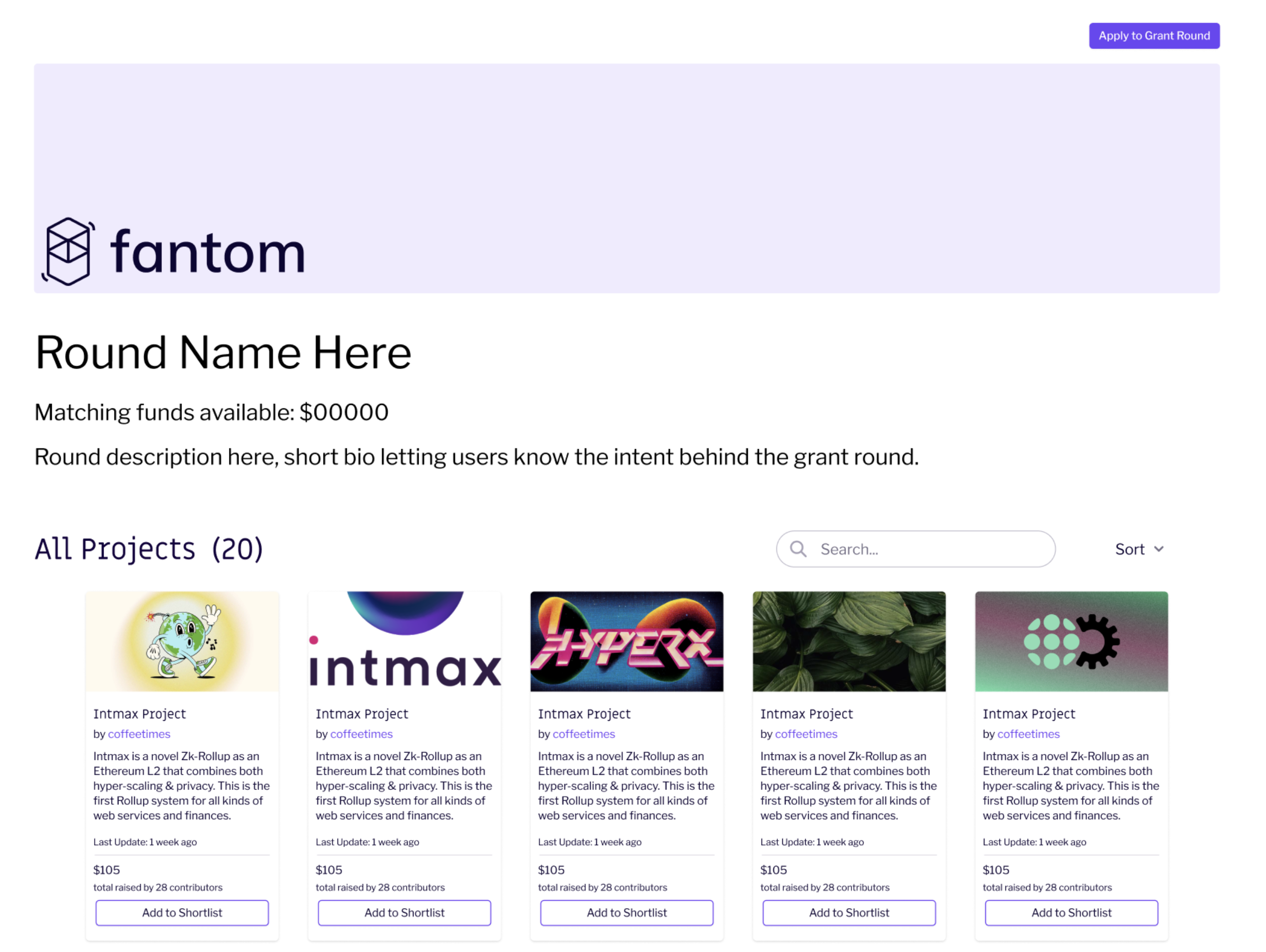
To visit Explorer, you will be directed to a dedicated landing page. For the Beta Round, please [visit this page](https://grants.gitcoin.co/).
You will see all the accepted projects within the round. ***Note: this page will display as below only when the donation/voting period has opened. Before that time, the home page will have a different interface.***
To get started with applying to the round, follow these steps:
Step 1: Click on “Apply to Grant Round”
*This will open up to an application for this specific round.*
**Note:** If you’re running an ad blocker on your computer, you might not see the round application form pop up. If that happens, make sure you disable any blockers and try again.
Step 2: You will see the necessary eligibility questions for the specific round. Click on “Apply to this round” to continue.
Step 3: You will see a form where you will need to fill in all the required details. *Note: **If you have not created a project connected to this wallet in Builder, the application will redirect you to create a project first, and then you will be able to apply.***
You can then preview your application by clicking on “Preview Application” on the bottom right of the screen. ***Make sure that you have input all your information correctly before continuing on and submitting.***
Step 4: Once you are happy with your application, click “Submit,” which will open your connected wallet. A prompt will follow to sign the transaction, and you will need to pay the necessary gas fee to apply.
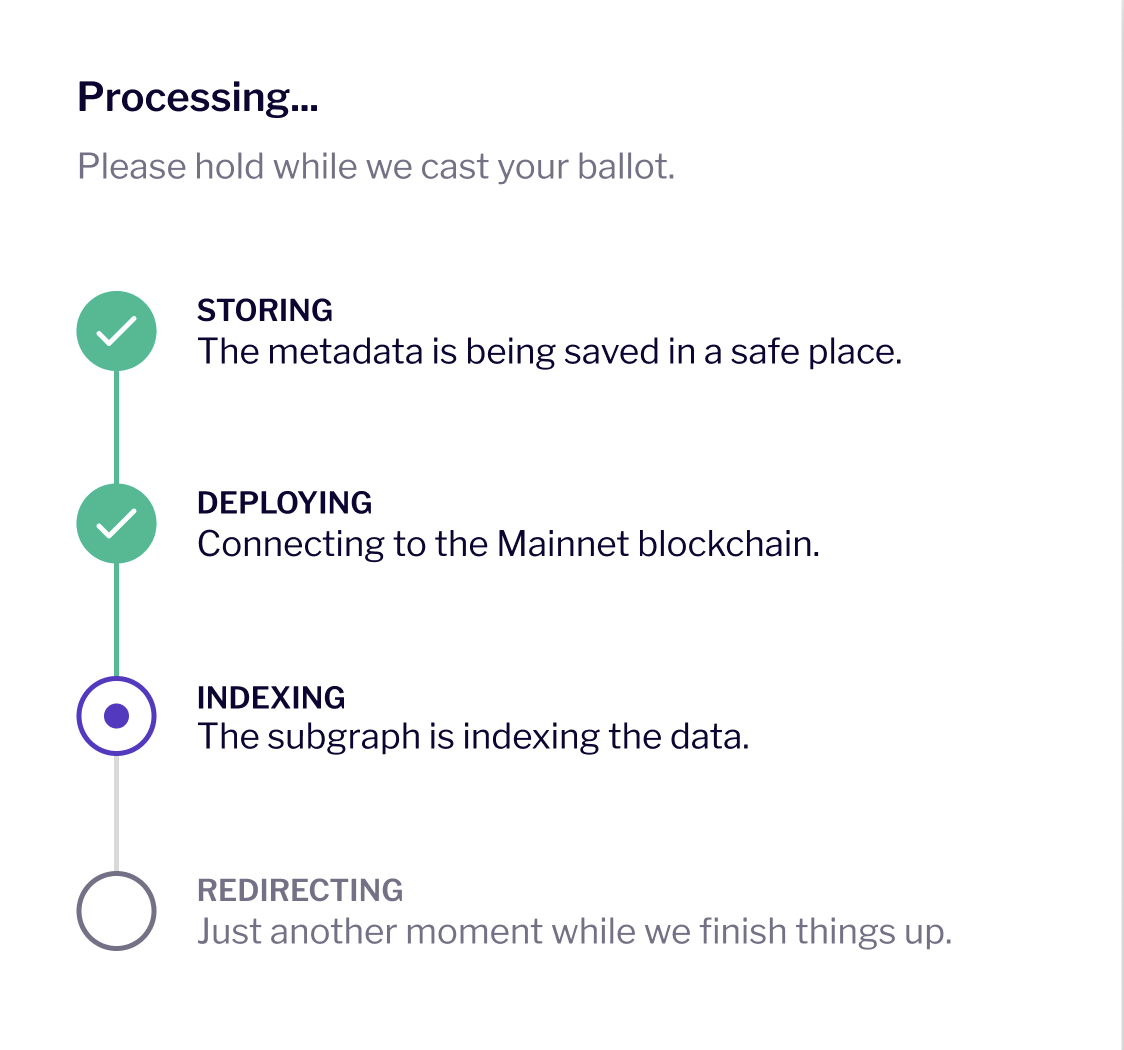
The application will then be received into the system. Give it a few minutes to process:
Now that you have applied, it will be in the review process. You can view the status of your application in Builder, and you will receive an email from us.